
Why an Information Site Takes Accessibility Seriously
A resource designed to explain PlayDash is only useful when readers can actually reach and understand the information.
Accessibility therefore belongs alongside accuracy and editorial clarity. Important details about payments, verification, restrictions or responsible gambling should not become harder to obtain simply because someone uses a screen reader, enlarged text, keyboard controls or a smaller mobile display.
Our main accessibility priorities include:
- keeping written information easy to navigate;
- making important content available as text where practical;
- supporting different input methods;
- maintaining readable layouts at larger text sizes;
- reducing unnecessary motion and media barriers;
- improving issues identified by readers.
The Standard We Aim For
The technical reference point is the Web Content Accessibility Guidelines, or WCAG. We aim toward WCAG 2.2 Level AA as a practical accessibility target rather than claiming that every page has achieved perfect formal conformance.
WCAG groups accessibility around four broad principles:
| Principle | What it means for this resource |
| Perceivable | Information should be available in forms readers can perceive |
| Operable | Navigation should not depend on one input method |
| Understandable | Pages and controls should behave clearly and predictably |
| Robust | Content should work with different browsers and assistive technologies |
Accessibility is an ongoing target. Individual pages or third-party components may still contain barriers that need correction.
Reading Comfortably: Text, Colour, and Layout
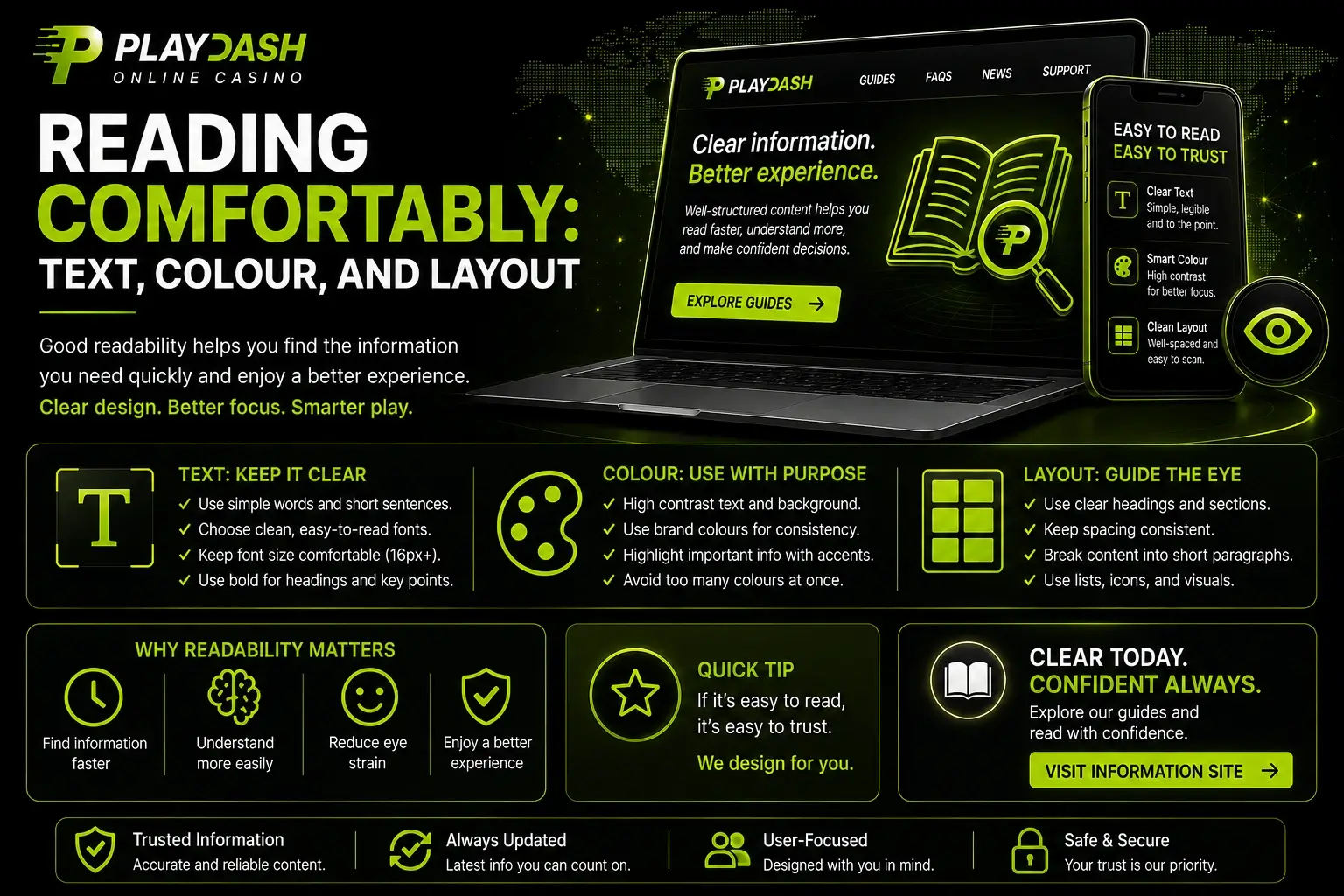
Long informational pages need to remain readable without forcing everyone into the same visual setup.
The site is designed around ordinary text rather than placing essential information inside decorative graphics whenever a text alternative is practical. Headings divide longer material into predictable sections, while layout choices aim to preserve readability across different display sizes.
Visual accessibility priorities include:
- text that can be enlarged through browser controls;
- sufficient distinction between text and its background;
- headings that clearly separate sections;
- information that does not depend on colour alone;
- meaningful text alternatives for useful images;
- layouts intended to remain readable when displayed at larger sizes.
Resizable Text and Readable Contrast
Readers can use the zoom and text-sizing tools provided by their browser or operating system. The aim is for ordinary article content to remain understandable when enlarged without requiring a completely different version of the page.
Common browser shortcuts include Ctrl + Plus on Windows and Linux or Command + Plus on macOS. Mobile devices also provide system-level display and text-size controls.
Colour is treated as a supporting visual element rather than the only carrier of meaning. For example, a warning should contain understandable wording instead of relying only on a red background or icon.
Clear Structure for Screen Readers
A page that looks organised visually should also make sense when read through assistive technology.
The resource aims to use a logical heading hierarchy, meaningful link labels and alternative text for significant images. Decorative graphics should not add unnecessary spoken information where they contribute no meaning.
The intended structure is straightforward:
- identify the page through its main heading;
- move between major sections through subheadings;
- understand links from their wording rather than surrounding visual context;
- receive meaningful text alternatives where an image communicates information.
This makes it easier to scan an article without requiring visual access to the entire page.
Getting Around Without a Mouse
Not every reader navigates with a mouse or touchscreen. Keyboard access is important for people with motor impairments as well as readers who simply prefer keyboard navigation.
Full Keyboard Navigation
Core interactive elements are intended to be reachable with standard keyboard controls.
Tab moves forward between interactive elements, Shift + Tab moves backward, and Enter activates links and controls where appropriate. Keyboard focus should remain visible so the current position does not disappear while moving through the page.
| Action | Typical keyboard control |
| Move to the next interactive element | Tab |
| Move to the previous element | Shift + Tab |
| Activate a selected link or control | Enter |
| Move through ordinary page content | Browser or assistive-technology controls |
The goal is for important content and core site functions to remain usable without requiring precise pointer movements.
Media, Sound, and Motion
This resource is primarily text-based, which reduces some common media-accessibility barriers.
We aim to avoid unnecessary autoplaying sound, rapidly moving content and visual effects that interfere with reading. Significant images should have useful text alternatives rather than forcing readers to interpret the image itself.
If meaningful video or audio content is introduced, the aim is to provide appropriate supporting formats such as captions or text transcripts where practical.
Not every external media element is under our technical control, so third-party content may behave differently.
Using the Resource on a Phone
Accessibility also matters on smaller screens. A mobile visitor should not need to use a desktop computer simply to read an article about PlayDash.
The site aims for responsive layouts that adapt to the available screen width, readable typography and controls that do not require unusually precise taps.
On a phone or tablet, the intended experience includes:
- content adapting to narrow screens;
- no unnecessary horizontal scrolling for ordinary article text;
- sufficiently practical tap areas for main controls;
- headings and tables remaining understandable on smaller displays;
- compatibility with device-level text enlargement where possible.
Complex tables can naturally require more space than ordinary paragraphs, but the surrounding article should remain usable without forcing a desktop-style layout onto a small screen.
Where Accessibility Still Falls Short
Accessibility work is never completely finished. New pages, design changes, browser updates and embedded third-party material can introduce problems even when the surrounding site follows good practices.
We therefore do not claim that every element works perfectly for every combination of disability, device and assistive technology.
Known types of limitation can include:
- older pages that need accessibility improvements;
- unusually complex tables on very narrow displays;
- external embeds with their own navigation behaviour;
- third-party pages reached through outbound links;
- isolated elements that have not yet been identified during routine review.
Acknowledging those gaps is more useful than presenting accessibility as a completed checkbox.
Third-Party Content We Do Not Control
Some pages can link to or reference material provided by PlayDash or other external websites. Their code, interface and accessibility choices are outside this resource’s control.
| Content | Level of control |
| Articles published directly on this resource | We can review and improve them |
| Navigation belonging to this resource | We can address reported barriers |
| Embedded third-party components | Control may be limited |
| External PlayDash pages | Controlled by the operator |
| Other external websites | Controlled by their respective owners |
We cannot guarantee that an external destination meets the same accessibility goals. If an embedded element creates a barrier on one of our own pages, reporting it still helps us consider an alternative presentation or another practical fix.
Telling Us About a Barrier
Readers are often the first to encounter a problem that does not appear during ordinary testing.
The feedback form on this resource is the channel for reporting accessibility barriers. No alternative contact channels need to be used.
Reaching Us Through the Form
A short report is usually enough if it explains how the problem can be reproduced.
Helpful details include:
- the page where the barrier appears;
- the element or content that does not work;
- the device or browser being used;
- any assistive technology involved, such as a screen reader;
- what you expected to happen and what happened instead.
There is no need to provide PlayDash credentials, payment data, identity documents or other sensitive personal information.
Reports are reviewed so the affected page or function can be understood and improved where possible. A fixed response or correction deadline is not promised because the complexity of accessibility problems can vary.
How We Keep Improving
Accessibility is treated as an ongoing part of maintaining this independent PlayDash resource.
Pages can be reviewed as content and layouts change, while reader reports provide another way to discover barriers that automated checks or ordinary browsing may miss. Where a problem can be reproduced and corrected, the aim is to improve the underlying page rather than leave the workaround entirely to the reader.
WCAG Level AA remains a target for that work, not a claim that every possible accessibility issue has already been eliminated.
The resource is intended for adults aged 18+. Its accessibility work concerns equal access to information and should not be interpreted as encouragement to gamble. PlayDash remains a separate operator, and decisions about gambling should always take account of legal eligibility, personal circumstances and the financial risks involved.